
How to draw a database schema (ER diagram) in FigJam
Most schemas die in a text file because nobody can see the structure. A visual ER diagram fixes that in one meeting. Here's the five-step version.
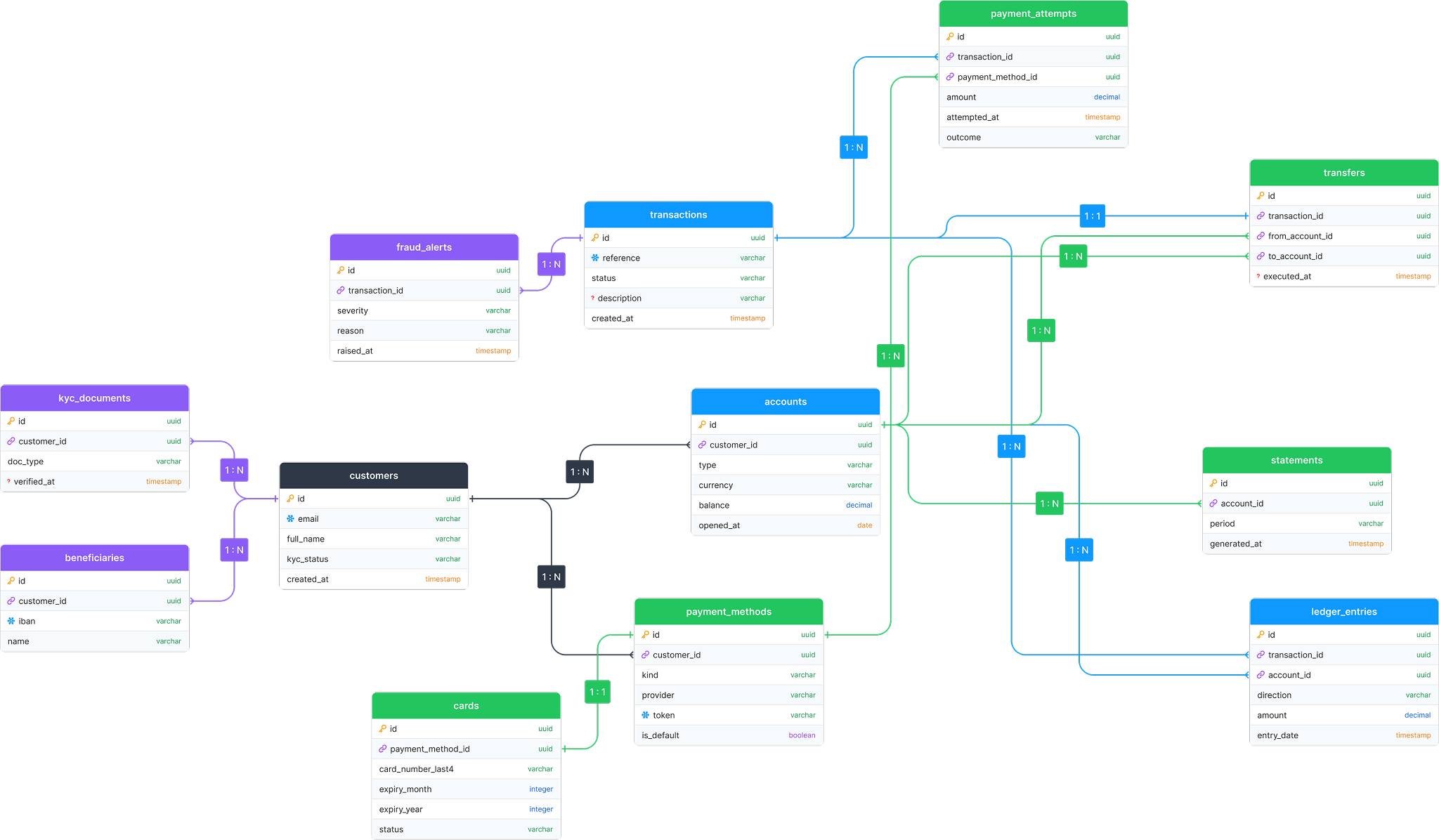
1. Entities first, columns later
One box per thing your app cares about: users, orders, products.
Skip columns entirely at this stage. If you can't name an entity in one
word, it's probably two entities - or a relationship.
2. Add only columns that answer questions
Every column should trace back to a real question the app asks:
users→ who logged in last? →id,email,created_atorders→ what did they buy? →id,user_id,total,status
Columns that answer no question get deleted the moment requirements shift.
3. Mark keys and types
Two things separate a schema from a pile of boxes:
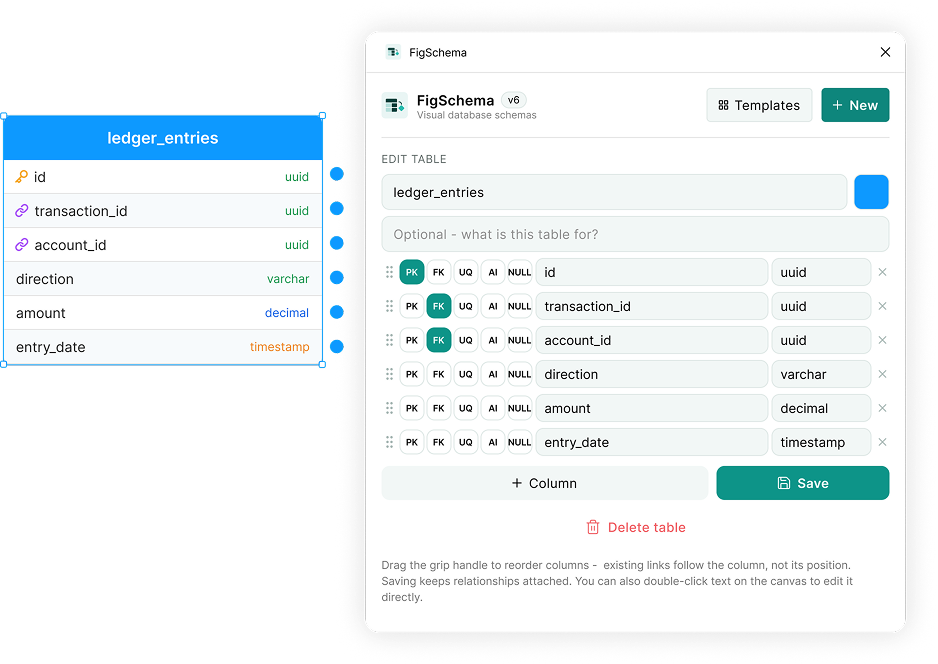
- Primary keys - mark one
idcolumn per table. - Types - color-code them. When every numeric column is blue and every date is orange, a mistyped column stands out visually instead of lurking until migration time.
4. Connect with crow's foot notation
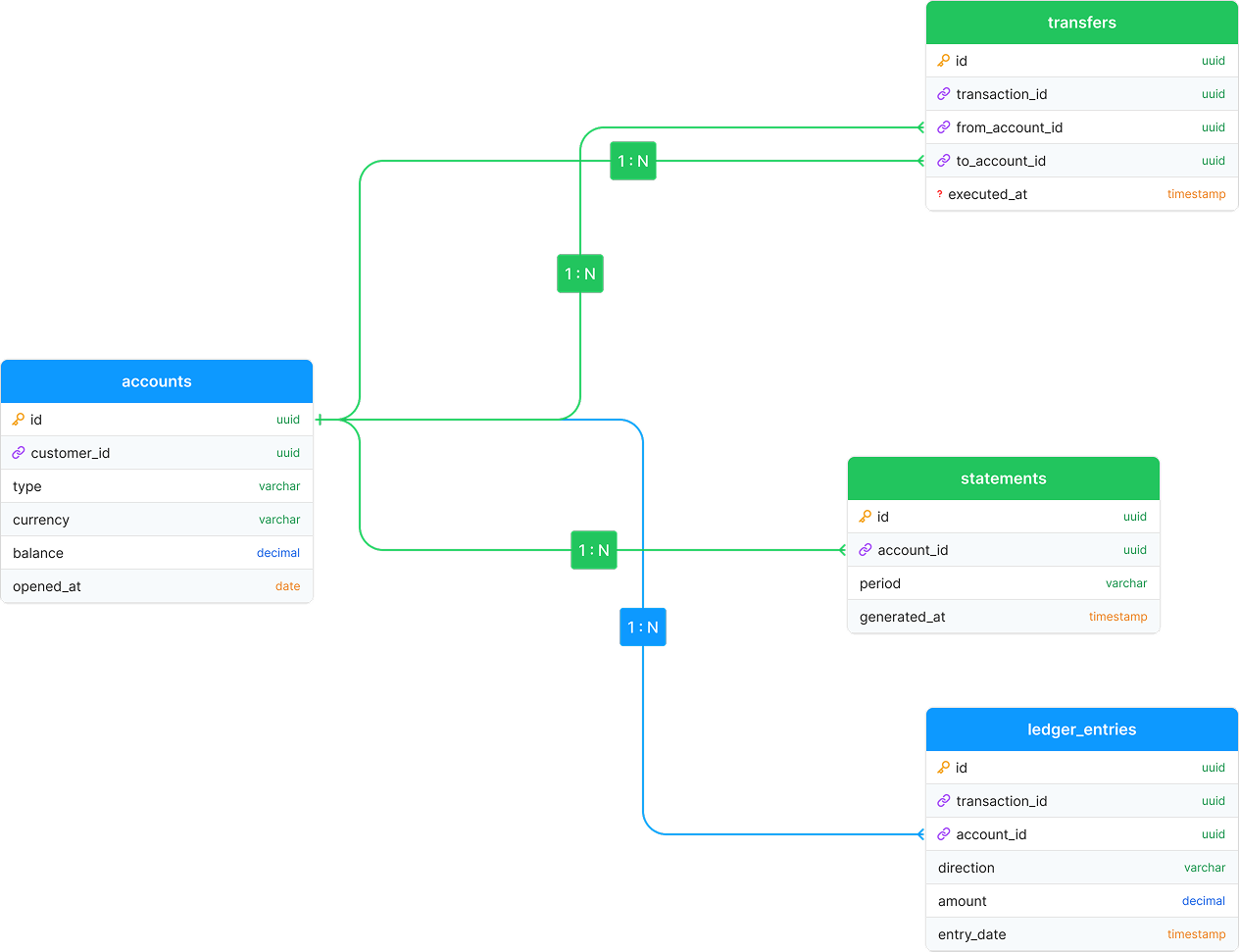
A plain line between two boxes says nothing. Crow's foot symbols put the rule on the line:
| Symbol | Meaning |
|---|---|
| Three prongs (fork) | many (zero or more) |
| One dash | exactly one |
| Circle + dash | zero or one |
users ||--o{ orders reads: one user has zero-or-more orders - which is
exactly the foreign key rule orders.user_id → users.id.
5. Many-to-many needs a junction table
If both ends of a line are "many" - students take many courses, courses have many students - you can't express it with a foreign key. Put a junction table in the middle:
students ──< enrollments >── courses
This pattern is everywhere: order line items, post tags, role assignments.
Sketch first, build second
Schema design is a conversation, and that happens on a canvas - multiplayer cursors, sticky notes, alternatives side by side. That's why FigSchema exists: typed tables you edit in place, and connections anchored to the specific columns they reference, so the diagram stays truthful while it's being argued over.
Grab the FigSchema plugin from Figma Community and drop a starter template on a blank board to see all five rules in one picture.